
01
Pump Diagnostic
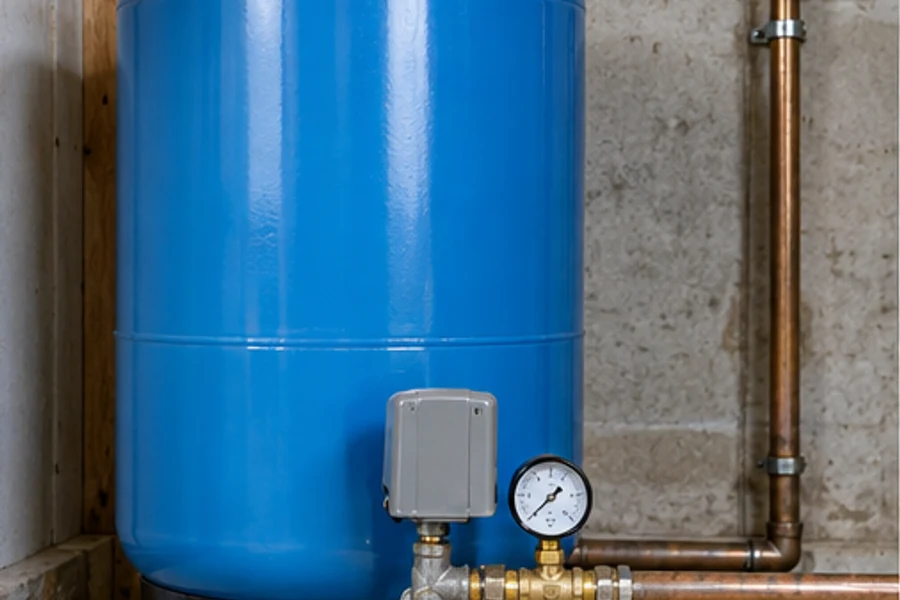
Review pump operation, controls and water-supply symptoms to determine the appropriate diagnostic request.
Explore serviceA pressure change, a pump concern or a new well project. Aquifer starts with the property, the water system and the symptoms you can describe.
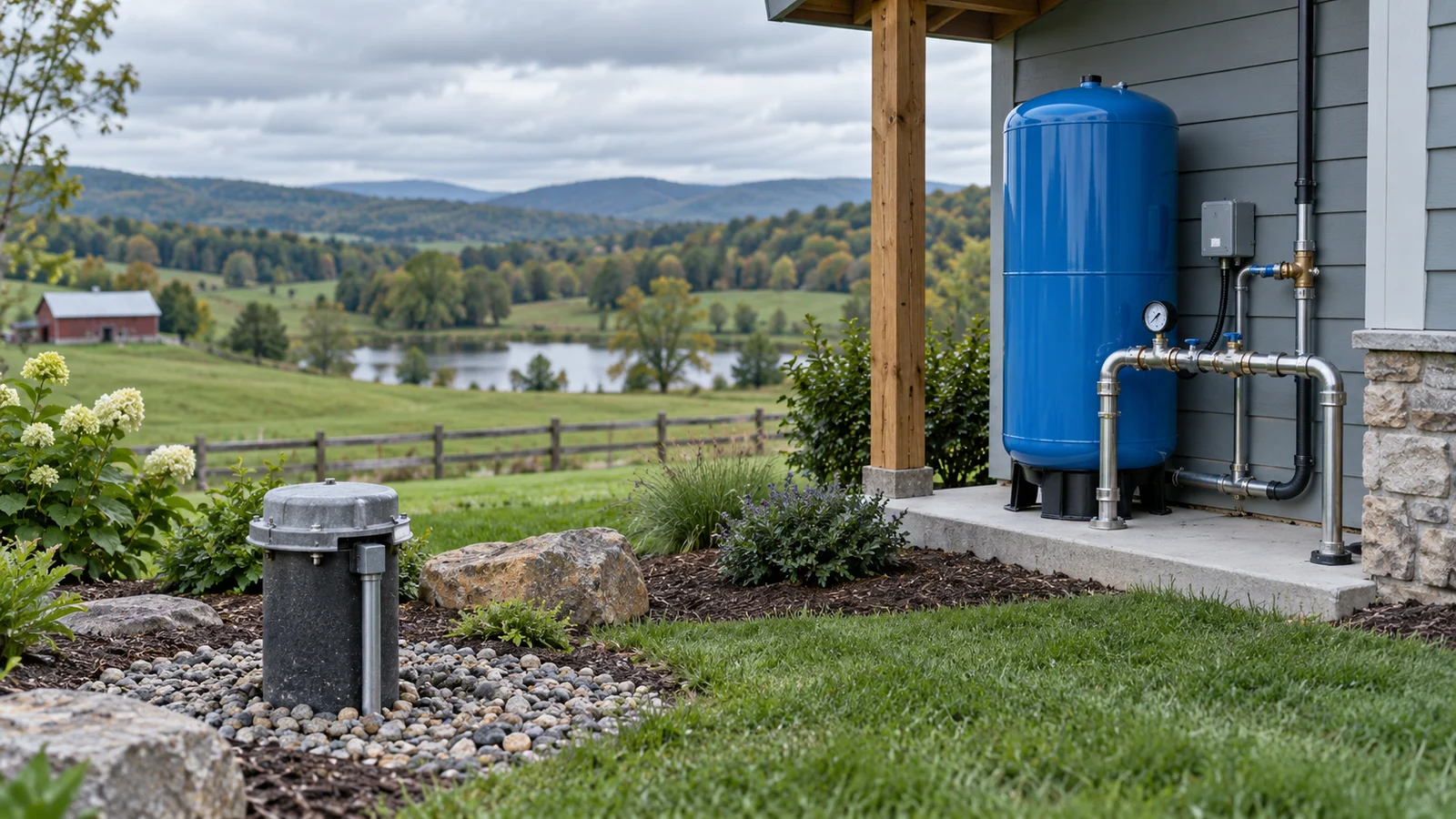
Choose the concern that fits. The assessment and final scope are confirmed for your request.
Review pump operation, controls and water-supply symptoms to determine the appropriate diagnostic request.
Explore service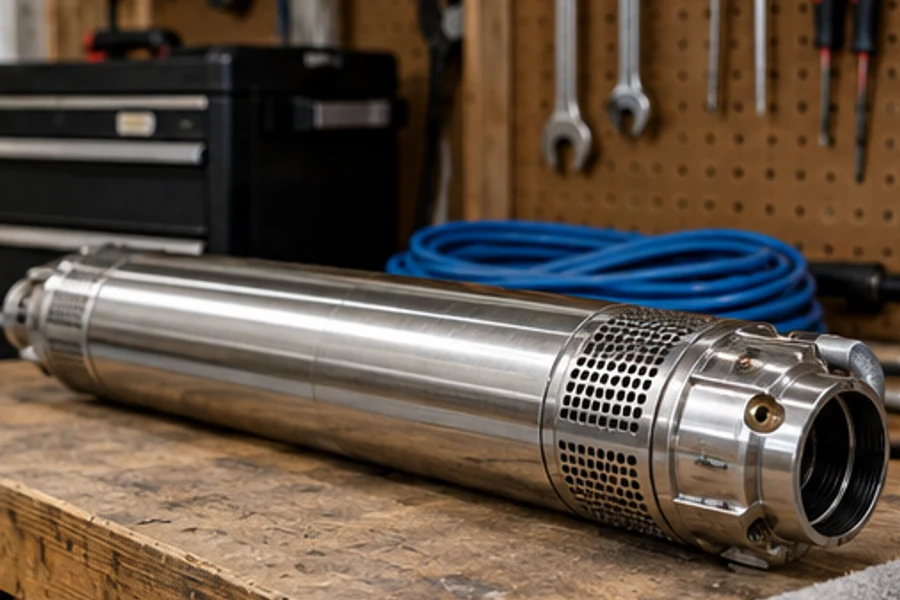
Discuss existing equipment and water-system needs to plan a pump replacement consultation.
Explore service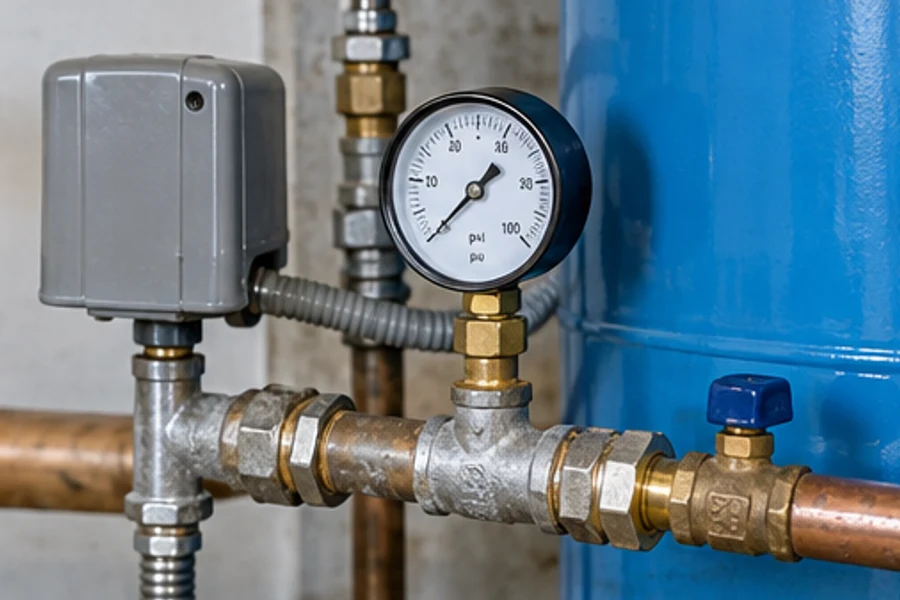
Review pressure changes, tank details and control behavior before assessing suitable service options.
Explore service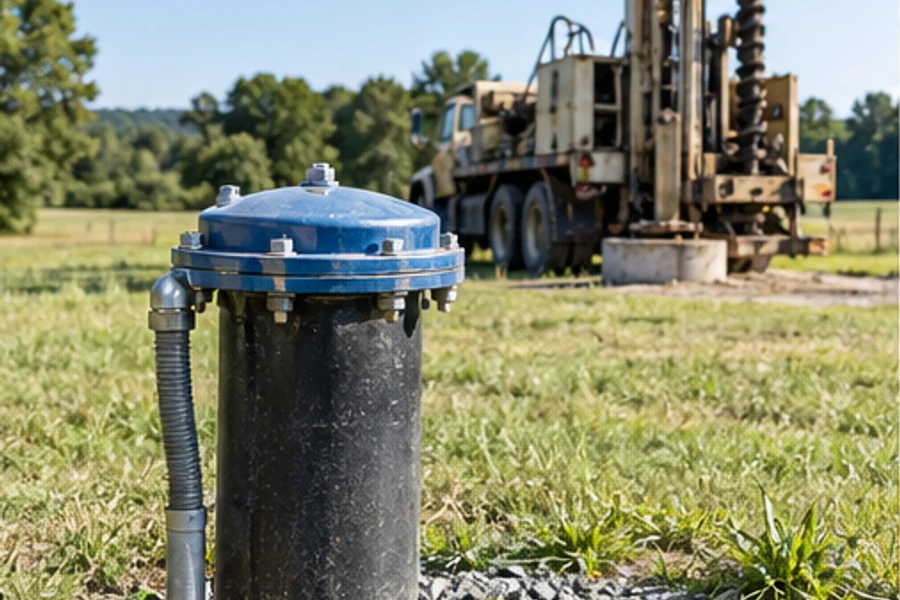
Discuss property needs, existing records, access and project requirements for a proposed well.
Explore service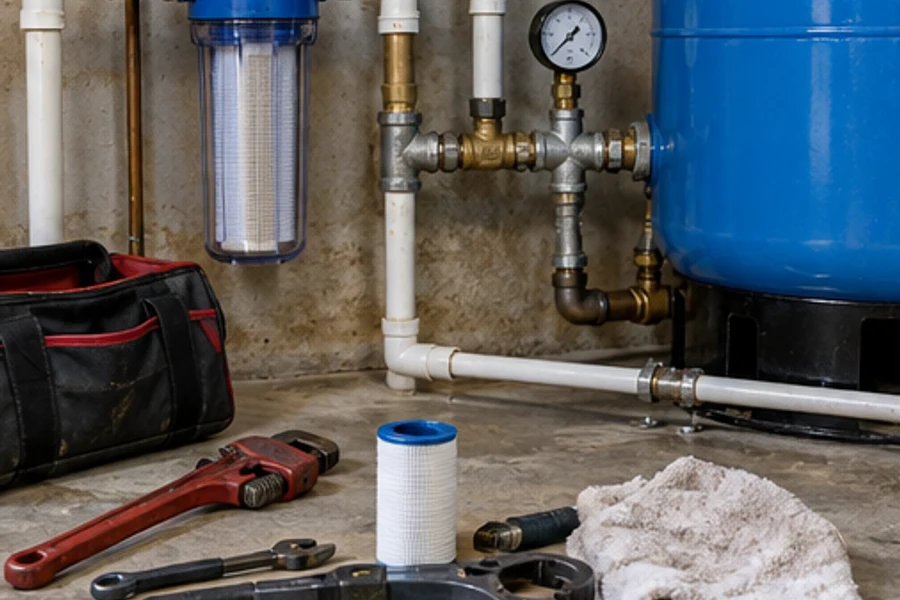
Review system condition, operating history and equipment requirements to plan a maintenance visit.
Explore service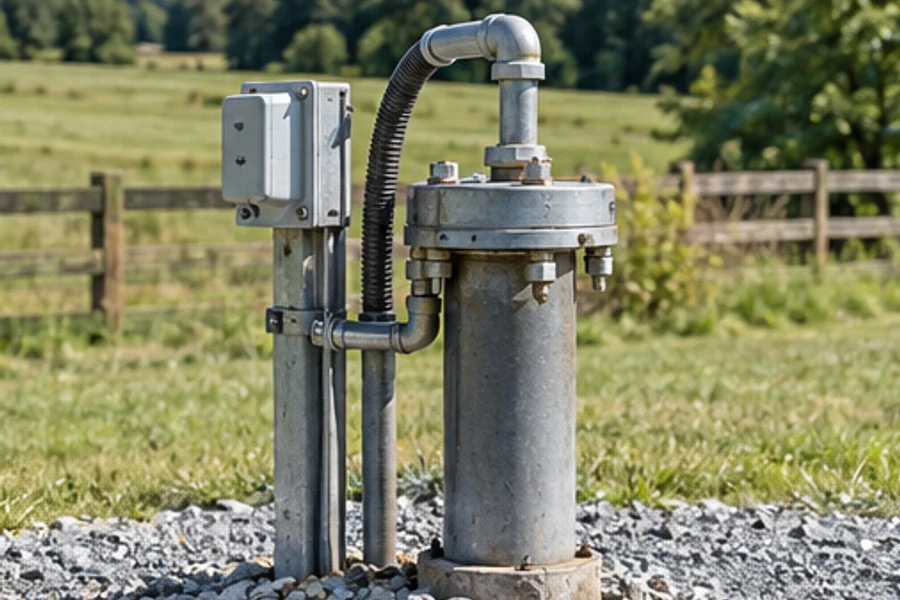
Discuss changes in supply and available system information to define the assessment and any specialist testing needs.
Explore service
A pressure change, a pump concern or a new well project. Aquifer starts with the property, the water system and the symptoms you can describe.
Well and pump details, Pressure and water symptoms, Property access and records help frame the conversation. A useful assessment starts with the actual conditions, rather than a one-size-fits-all recommendation.
Find your starting point ↗Start with well and pump details and describe what changed.
Discuss service suitability, access and the assessment process before confirming a date.
Use the observations to understand the scope, options and estimate process.
Choose the next step once the request and any project requirements have been reviewed.
The well and the equipment work as a system. Existing records, pump details and pressure behavior help separate a service request from a new-water-supply project.
Gather the information you already have. Share photos or records when they help describe the concern.
Describe what changed and when. Recent work or changes in use can help frame the request.
Discuss access and any limits on the assessment. Confirm what the visit will cover before the appointment.
Explore the equipment and settings behind the services.
1 / 3The conversation helped us understand what information mattered before booking.
It was useful to talk through the scope and the choices for the next step.
A clear explanation made the process easier to follow.
Share well and pump details, pressure and water symptoms, property access and records. The business can then confirm the appropriate assessment and any further information needed.
The scope depends on the equipment, property or vehicle and the findings of the assessment. Ask about visit charges and the estimate process before confirming an appointment.
Share your preferred timing. The business will confirm service suitability, appointment availability and access requirements directly.
Describe any new symptoms or changes when you contact the business. A team member will review whether the service request or assessment needs to change.
Aquifer Well & Pump reviews requests in Your Service Area. Share the address or location so coverage, access and appointment suitability can be confirmed.
Service area detailsConfirm your location with the team.
Bring the details. Ask about the assessment. Choose the next step when the request has been reviewed.
Well and pump details. Pressure and water symptoms. Property access and records. Share the details and discuss the appropriate visit.
Request a visitWhat would you like help with?
Preview only · no request is sent1 of 3