
What we handle
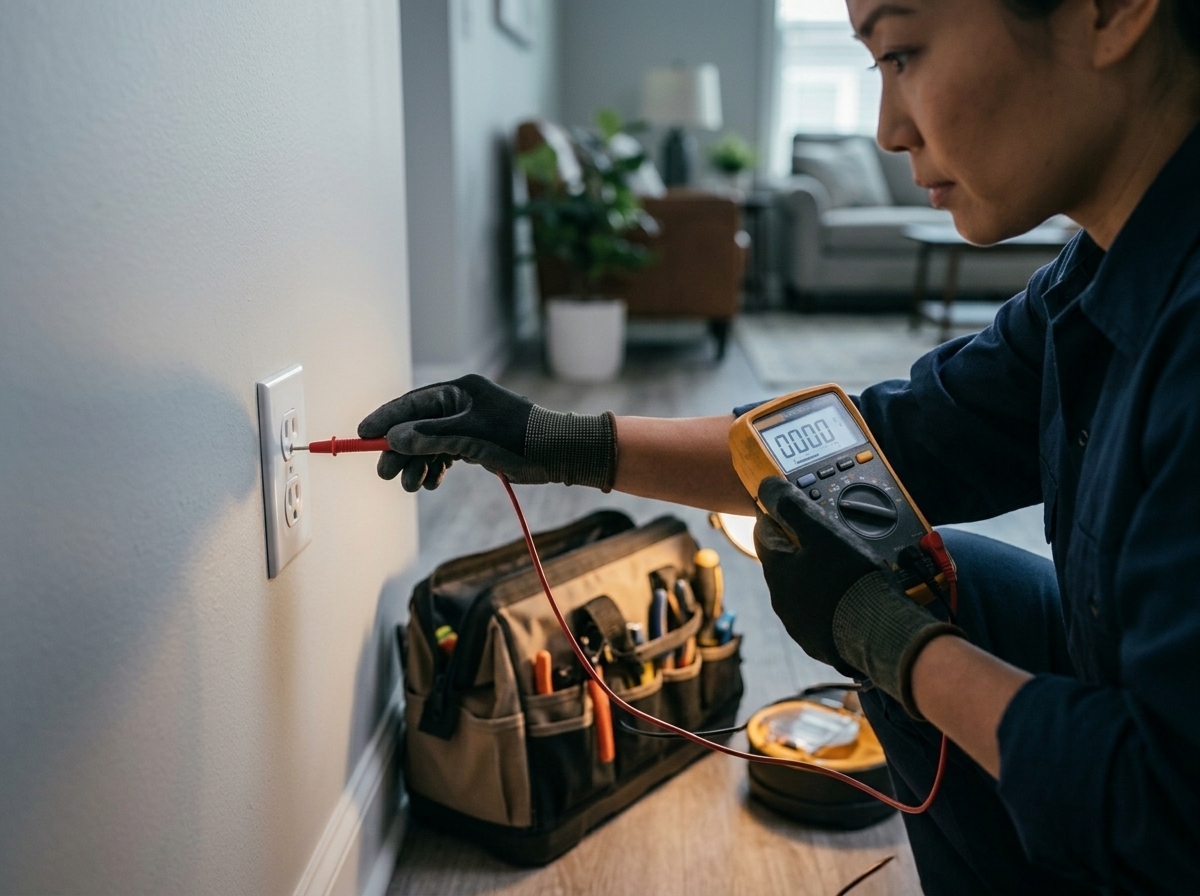
Brightwire responds to urgent electrical conditions that may involve active heat, arcing, outage, damaged equipment, failed breakers, or unsafe devices.
The first priority is making the area safe. After that, the electrician explains whether the repair can be completed immediately or needs scheduled follow-up.
Service scope
| Included work | Hazard assessment, circuit isolation, diagnostic testing, temporary safe-off, urgent repair options |
|---|---|
| Estimate | Emergency diagnostic pricing confirmed before dispatch when possible |
| Response | Availability confirmed directly for urgent electrical hazards |
How Brightwire works
1
Describe the hazard
Tell us what you see, smell, hear, and which area lost power.
2
Make it safe
The affected circuit or equipment is isolated before deeper testing continues.
3
Repair or schedule
We complete safe repairs when possible or document the next permanent step.
Emergency FAQs
Sparks, burning odors, visible damage, a dead panel, shock risk, or heat at devices should be treated as urgent.
If you can safely identify the affected breaker, turn it off and avoid using the circuit until an electrician checks it.
Sometimes the first step is making the condition safe, followed by a scheduled permanent repair once parts or permits are ready.