
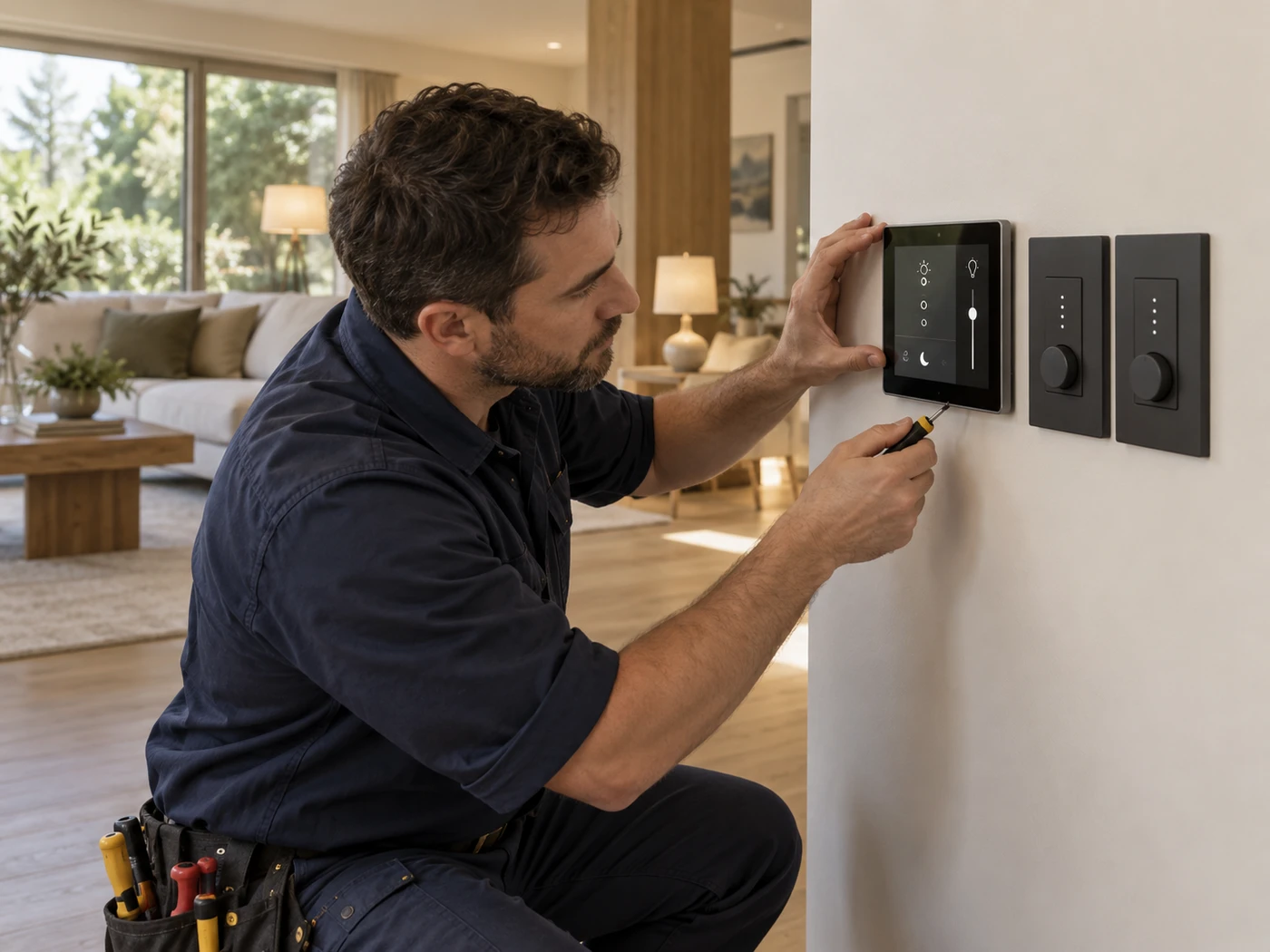
What we handle
Brightwire installs smart switches, dimmers, sensors, timers, automation relays, and control wiring after confirming neutral availability, box space, and supported load types.
The goal is simple: reliable controls that operate safely by switch, app, schedule, or sensor without nuisance flicker or overheated devices.
Service scope
| Included work | Switch box review, device compatibility, control wiring, sensor placement, operation check |
|---|---|
| Estimate | Quote based on device count, wiring conditions, and control complexity |
| Response | Small smart-control installs scheduled with standard service availability |
How Brightwire works
1
Confirm devices
We review the smart controls you want and what they will operate.
2
Check wiring
Neutral, ground, box fill, and load compatibility are verified before install.
3
Test operation
Controls are energized, paired when needed, and checked from each control point.
Smart Home FAQs
Many do. Brightwire checks the switch box wiring before recommending compatible controls.
Yes, when the device is rated for the location and protected correctly from weather and load conditions.
We verify wiring and basic device operation. App pairing can be reviewed with the homeowner during setup.